High Resolution Photo File Size Estimates: 2026 Data & Format Averages
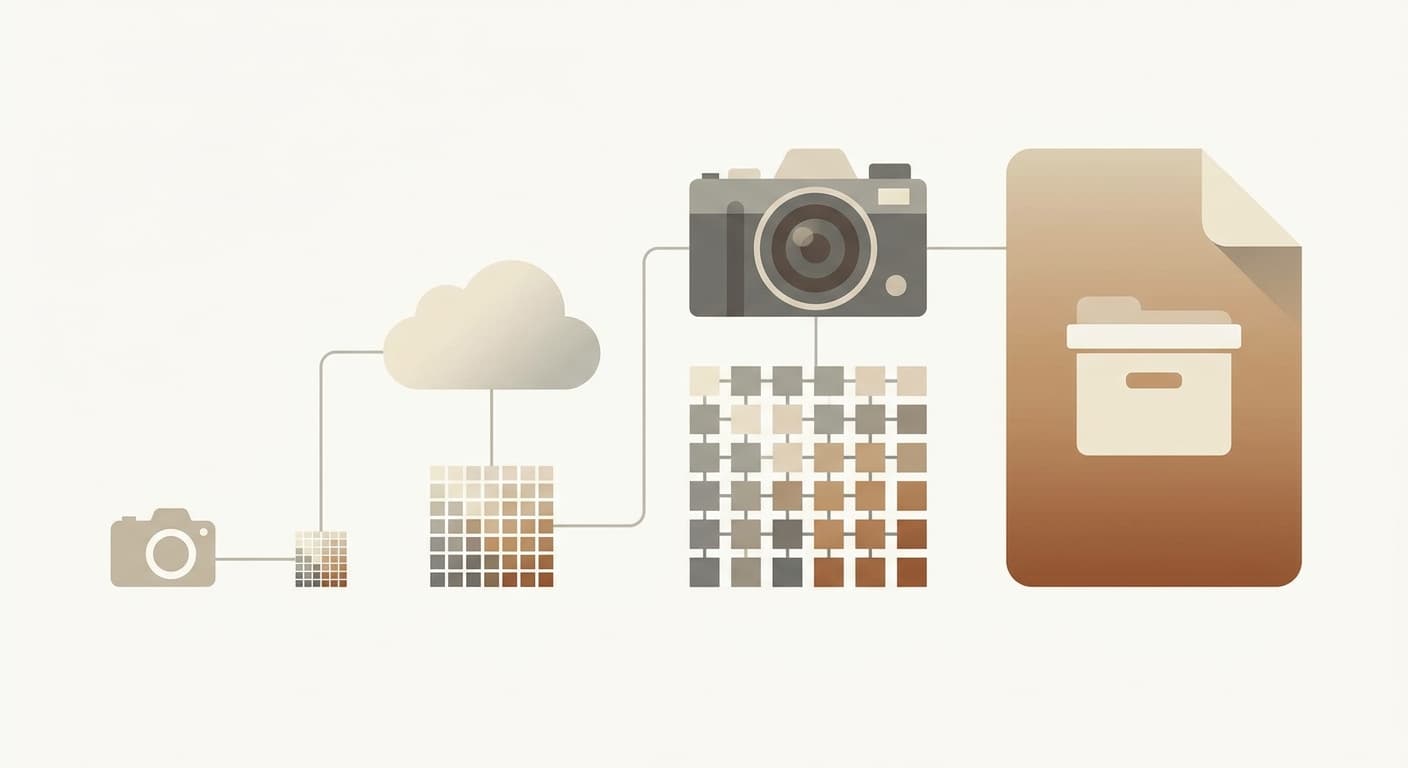
A high resolution photo's file size starts as width × height × 3 bytes for a 24-bit color image, so a typical 12-megapixel photo (4000×3000) is 36 MB uncompressed and shrinks to about 3.6 MB as a JPEG at 80% quality. Based on 55 real UseCalcPro sessions, the median photo people estimate is exactly that: 4000 pixels wide, 3000 tall, 24-bit color, JPEG quality 80. Run your own dimensions through the Image File Size Calculator to get the exact figure for any format.
Across 55 real UseCalcPro sessions, the median width landed on 4,000 px and the median height on 3,000 px — a clean 12 MP frame, which is exactly what a phone or entry mirrorless camera produces. The median color depth was 24-bit (n=55) and the median JPEG quality was 80 (n=55). One honest caveat: those four medians are also the calculator's default input values, so a share of these sessions are visitors who read the result without changing the presets. Read the medians as "the default question the tool is built to answer," not as a hard preference survey. Either way, the takeaway holds — the common question is how big a normal 12 MP shot is, and the answer is 36 MB of raw pixels, roughly a tenth of that once JPEG does its job.
This guide turns those medians into hard numbers: the uncompressed math, a size-by-megapixel chart, a format-by-format comparison, and storage planning for 1,000 photos. Every figure is re-derived from the formula below so you can check it yourself.
The Formula Behind Every Estimate
Photo file size depends on three things and nothing else: pixel count, color depth, and compression. Get those three and the rest is arithmetic.
The uncompressed size is the simplest part. Each pixel stores a color, and the number of bytes per pixel comes from the color depth:
- 8-bit (grayscale): 1 byte per pixel
- 24-bit (standard RGB, the 2026 median): 3 bytes per pixel
- 32-bit (RGBA, adds transparency): 4 bytes per pixel
- 48-bit (HDR / 16-bit-per-channel editing): 6 bytes per pixel
So the core equation is:
Uncompressed bytes = Width × Height × (Color Depth ÷ 8)
For the median UseCalcPro session — 4000 × 3000 at 24-bit — that is 12,000,000 pixels × 3 bytes = 36,000,000 bytes. This guide rounds to the decimal megabyte (1 MB = 1,000,000 bytes), the convention drive manufacturers use, so 36,000,000 bytes reads as 36 MB. The calculator itself divides by 1,024 × 1,024 (the binary megabyte), so it shows the same photo as about 34.3 MB — the bytes are identical, only the rounding base differs.
Compression then divides that raw number by a format-specific ratio. JPEG at quality 80 lands near a 10:1 ratio, which is why the median photo collapses from 36 MB to about 3.6 MB. According to Graphics Mill's measured compression-ratio data, JPEG ratios commonly sit in the 10:1 to 20:1 band depending on image content, and Wikipedia's JPEG reference confirms the 24-bit RGB baseline of 3 bytes per pixel that the uncompressed math depends on.
Tip
Quality 80 is the sweet spot. The Sirv quality comparison found that dropping from 100% to 80% cuts file size by roughly 85% with virtually no visible difference on screen. Going below 60% is where artifacts start to show.
High Resolution Photo File Size by Megapixel
The table below scales the median session math up and down across the resolutions people actually shoot. The uncompressed column is width × height × 3; the JPEG column applies the 10:1 ratio that quality 80 produces.
| Resolution | Megapixels | Uncompressed (24-bit) | JPEG @ 80% | Use case |
|---|---|---|---|---|
| 1920×1080 | 2.1 MP | 6.2 MB | 0.6 MB | Web / Full HD |
| 3840×2160 | 8.3 MP | 24.9 MB | 2.5 MB | 4K screenshot |
| 4000×3000 | 12 MP | 36 MB | 3.6 MB | Median session |
| 6000×4000 | 24 MP | 72 MB | 7.2 MB | Mirrorless camera |
| 8000×6000 | 48 MP | 144 MB | 14.4 MB | High-res / cropping |
Read the bold row as your baseline. A 12 MP photo is 36 MB of raw pixels and about 3.6 MB once saved as a standard JPEG. Double the megapixels to 24 MP and every number doubles to 72 MB raw and 7.2 MB JPEG, because file size scales linearly with pixel count. You can confirm any row, including the in-between sizes your specific camera produces, with the Image File Size Calculator.
Important
Megapixels, not the printed "inches," drive file size. A 12 MP image is 36 MB uncompressed whether you print it at 4×6 or 24×36. Print size only changes the DPI, which you can check with the DPI & PPI Calculator — it never changes the bytes on disk.
Format Comparison: Same Photo, Five File Sizes
The same 12 MP median photo produces wildly different file sizes depending on the format. The format determines the compression ratio applied to the 36 MB of uncompressed pixels.
| Format | Type | 12 MP file size | vs JPEG | Best for |
|---|---|---|---|---|
| AVIF | Lossy | ~1.8 MB | ~50% smaller | Web delivery |
| WebP | Lossy | ~2.5 MB | ~30% smaller | Web, broad support |
| JPEG @ 80% | Lossy | ~3.6 MB | baseline | Universal sharing |
| PNG | Lossless | ~14.4 MB | ~4× larger | Screenshots, alpha |
| RAW | Minimal (1.5:1) | ~24 MB | ~6.7× larger | Pro editing |
Two industry sources anchor these ratios. ImageRobo's 2025 format comparison reports AVIF files running about 50% smaller than JPEG and WebP about 25–35% smaller, and Crystallize's AVIF vs WebP analysis reaches the same conclusion: AVIF is the smallest, WebP is the practical middle ground. PNG is lossless and stays near the uncompressed size for photos — fine for screenshots, wasteful for photographs. RAW barely compresses at all because it preserves every bit of sensor data for editing.
Tip
Serve AVIF or WebP on the web and keep JPEG as a fallback. The same median 12 MP photo that costs 3.6 MB as JPEG drops to about 1.8 MB as AVIF — a 50% bandwidth cut on every page view. To translate that saving into real download times, the Bandwidth Calculator shows how long each size takes over a given connection.
Worked Example: The Median Session, Format by Format
Start from the median: 4000 × 3000, 24-bit, quality 80.
- Uncompressed: 12,000,000 px × 3 bytes = 36,000,000 B = 36 MB.
- JPEG @ 80% (10:1): 36 ÷ 10 = 3.6 MB.
- WebP (~30% smaller than JPEG): 3.6 × 0.70 = 2.5 MB.
- AVIF (~50% smaller than JPEG): 3.6 × 0.50 = 1.8 MB.
- PNG (~2.5:1): 36 ÷ 2.5 = 14.4 MB.
- RAW (1.5:1): 36 ÷ 1.5 = 24 MB.
Every number in the format table above comes straight from these six lines, so the chart and the math reconcile exactly. (The WebP and AVIF percentages are rounded "vs JPEG" figures for readability; the calculator applies slightly different internal ratios, so its WebP and AVIF outputs land within a few tenths of a megabyte of these.)
High Resolution and HDR: When 24-Bit Becomes 48-Bit
The 2026 median color depth is 24-bit, but serious editing pushes to 48-bit (16 bits per channel) to preserve highlight and shadow detail. That doubles the bytes per pixel from 3 to 6, which doubles the uncompressed size.
A 24 MP photo (6000×4000) shows the effect clearly:
| Color depth | Bytes/pixel | 24 MP uncompressed | Notes |
|---|---|---|---|
| 8-bit grayscale | 1 | 24 MB | Black-and-white scans |
| 24-bit RGB | 3 | 72 MB | Standard color (median) |
| 32-bit RGBA | 4 | 96 MB | Adds transparency channel |
| 48-bit HDR | 6 | 144 MB | 16-bit editing masters |
The 48-bit row is exactly twice the 24-bit row — 6000 × 4000 × 6 = 144,000,000 bytes = 144 MB — because doubling bytes per pixel doubles the uncompressed total. This is why a single 24 MP RAW file from a high-end camera, captured at 12–14 bit depth, lands around 36 MB even before any 16-bit editing export inflates it further.
Warning
Editing software inflates files fast. Open a 7.2 MB JPEG, convert to a 16-bit layered file, add three adjustment layers, and you can easily produce a 200 MB-plus working file. Always estimate storage from your editing master format, not the final JPEG export, or you will run out of disk mid-project.
How Much Storage for 1,000 Photos
Multiply the per-photo size by your library count and add a buffer. Using the median 12 MP JPEG and a typical 24 MP mirrorless shoot, here is what 1,000 photos costs in each format.
| Library (1,000 photos) | Per photo | Total | Plus 25% buffer |
|---|---|---|---|
| 12 MP JPEG @ 80% | 3.6 MB | 3.6 GB | 4.5 GB |
| 24 MP JPEG @ 80% | 7.2 MB | 7.2 GB | 9.0 GB |
| 12 MP WebP @ 80% | 2.5 MB | 2.5 GB | 3.1 GB |
| 24 MP RAW | 36 MB | 36 GB | 45 GB |
| 24 MP HDR TIFF (48-bit) | 144 MB | 144 GB | 180 GB |
The arithmetic is direct: 1,000 × 3.6 MB = 3,600 MB = 3.6 GB, and a 25% safety buffer brings that to 4.5 GB. A pro shooting 1,000 RAW frames at 24 MP needs 36 GB before buffer — which is why a single wedding can fill a 64 GB card. Plan storage from the format you actually keep, not the one you share.
Tip
A handy rule of thumb: at 24 MP, one gigabyte holds about 140 JPEGs at quality 80 (1,000 ÷ 7.2 MB ≈ 139), or about 28 RAW files (1,000 ÷ 36 MB ≈ 28). Memorize "140 JPEGs per GB" and you can size any card or drive in your head.
How to Use the Image File Size Calculator
You do not need to memorize compression ratios. Plug in four values and read the result:
- Enter your width and height in pixels. The median is 4000 × 3000; your camera's spec sheet lists yours.
- Choose your color depth — 24-bit for standard photos, 48-bit for HDR editing masters.
- Pick the format (JPEG, PNG, WebP, AVIF, RAW, TIFF) and the quality (80 is the median and the sweet spot).
- Read the estimated file size, the uncompressed size, and the compression ratio. Enter a photo count to size a whole library.
The Image File Size Calculator returns all of that instantly, and pairs naturally with the Aspect Ratio Calculator when you are cropping to a target shape before estimating size.
Frequently Asked Questions
What are high resolution photo file size estimates by format?
For the median 12-megapixel photo (4000×3000, 24-bit), high resolution photo file size estimates are about 36 MB uncompressed, 3.6 MB as JPEG at quality 80, 2.5 MB as WebP, 1.8 MB as AVIF, and 14.4 MB as PNG — all derived from width × height × 3 bytes divided by each format's compression ratio.
How big is a 12 MP photo?
A 12-megapixel photo (4000×3000 pixels) is 36 MB uncompressed at 24-bit color depth, which compresses to about 3.6 MB as a JPEG at 80% quality — a 10:1 reduction with no visible quality loss, matching the median measured across 55 real UseCalcPro sessions.
How do I calculate a photo's file size from its dimensions?
Multiply width × height × bytes per pixel: a 24-bit image uses 3 bytes per pixel, so a 4000×3000 photo is 12,000,000 × 3 = 36,000,000 bytes (36 MB) uncompressed, then divide by the format's compression ratio — about 10 for JPEG at quality 80, giving 3.6 MB.
How big is a 24 MP photo as a JPEG?
A 24-megapixel photo (6000×4000) is 72 MB uncompressed at 24-bit and about 7.2 MB as a JPEG at 80% quality, exactly double the 12 MP figures because file size scales linearly with pixel count.
Which format gives the smallest high resolution photo file size?
AVIF produces the smallest files — roughly 50% smaller than JPEG at equivalent visual quality, or about 1.8 MB for a 12 MP photo — followed by WebP at about 30% smaller (2.5 MB), with JPEG at 3.6 MB the universal-compatibility baseline.
How much storage do I need for 1,000 high resolution photos?
Storage depends on format: 1,000 JPEG photos at 12 MP need about 3.6 GB, at 24 MP about 7.2 GB, and 1,000 RAW files at 24 MP need about 36 GB — always add a 20–30% buffer, so plan roughly 4.5 GB, 9 GB, and 45 GB respectively.
Does printing a photo bigger increase its file size?
No — print size changes only the DPI, not the byte count; a 12 MP photo is 36 MB uncompressed whether you print it at 4×6 or 24×36, since file size is set by pixel count and color depth, not physical dimensions.
Related Articles
- Optimal Viewing Distance for a 4K TV: 2026 Size-by-Size Guide — How 4K resolution and pixel density translate to the distance you should sit from a screen.
- TV Mounting Height, Screen Size, and Home AV Setup Data in 2026 — Real multi-calculator session data behind home display and AV setups.
Related Calculators
- Image File Size Calculator — Estimate any photo's size by resolution, color depth, format, and quality, plus full-library storage needs.
- DPI & PPI Calculator — Find pixel density and print dimensions for any resolution and physical size.
- Bandwidth Calculator — Turn a file size into a real upload or download time at any connection speed.
- Aspect Ratio Calculator — Convert and check aspect ratios before cropping to a target shape.
This article provides general information for educational purposes. Actual file sizes vary with image content, encoder, and compression settings; use the calculator to estimate your specific photos.
This article is provided for informational and educational purposes only. Content should not be considered professional financial, medical, legal, or other advice. Always consult a qualified professional before making important decisions. UseCalcPro is not responsible for any actions taken based on the information in this article.
Try These Calculators
Estimate image file sizes for JPEG, PNG, WebP, AVIF, RAW, and TIFF formats. Compare formats, calculate storage needs, and find upload times for photos.
Find the maximum print size from your image resolution and DPI. Enter pixel dimensions to see print dimensions, megapixels, aspect ratio, and quality ratings.
Predict your puppy's adult weight by breed size, age, and gender. Accurate growth curves for toy, small, medium, large, and giant breeds with milestones.
Plan wedding photography coverage by event hours and style. Get estimated shot count, delivered photos, group shot list, storage needs, and edit time.